Click the Windows download button
Click the "Download for Windows" button below to go to the official download page.
Use the official desktop application to play slots, live casino, roulette, table games and place sports bets on your computer. The app is free to download, supports Windows and macOS, and gives you the same full account functions as the website along with faster access, stable performance and a distraction free, full-screen layout.
The MegaPari app for PC gives you quick access to betting and casino on your desktop, with stable performance, smooth navigation and simple login. Key advantages include faster loading compared to browser tabs, less chance of random logouts, and a layout tailored for keyboard and mouse.
| Characteristic | Information |
|---|---|
| PC Client Size | Around 60–100 MB, depending on operating system |
| Available Languages | English, Hindi, Bengali, Tamil, Telugu |
| Category | Sports betting, Online casino, Live casino, Virtual sports, Instant games, Game shows |
| Compatible with Windows | Windows 10, Windows 11 (64-bit recommended) |
| Compatible with macOS | macOS 11 Big Sur, macOS 12 Monterey, macOS 13 Ventura and newer |
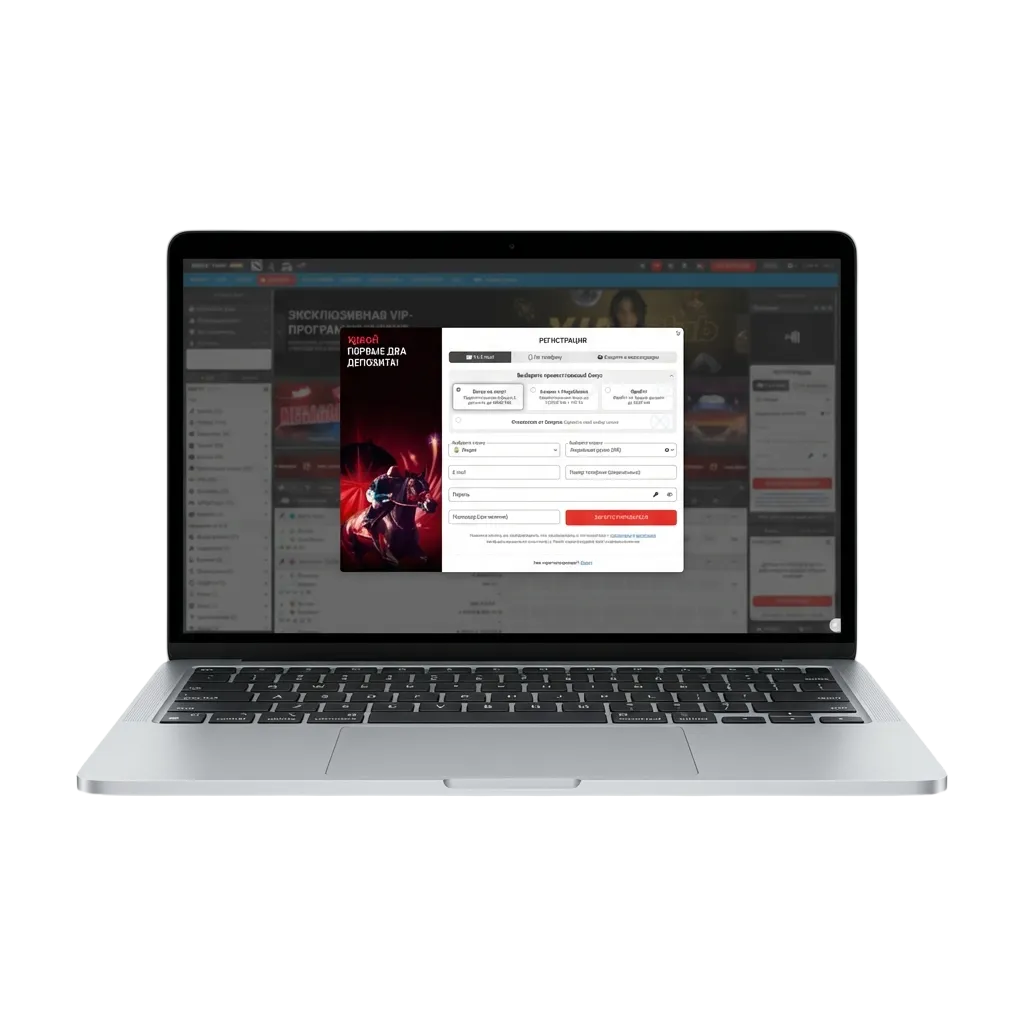
Installing the MegaPari download for PC gives you a stable betting environment and a more focused casino experience compared to a normal browser. Before you start the process, have a quick look at the main pros and a few minor cons.
| Pros | Cons |
|---|---|
| Faster launch from desktop icon, no need to open browser and type website address | Need to install software on your computer |
| Stable sessions reduce sudden logouts during live bets or casino rounds | Uses some disk space and system resources |
| Full-screen interface designed for large monitors and high resolution | Updates may be needed from time to time |
| Easier multitasking between sports betting and casino sections using in-app navigation | |
| Smooth streaming for live casino and live betting on strong internet connection | |
| Quick login and account management from one place | |
| Fewer distractions compared to multiple open browser tabs |
The MegaPari app for Windows is light on system resources and compatible with most modern computers that run Windows 10 or Windows 11. You only need a stable internet connection, a few hundred MB of free disk space and basic user rights on the PC.
Click the "Download for Windows" button below to go to the official download page.
On the page that opens, press the download button and save the installation file (setup.exe) to your computer.
Go to your Downloads folder, find the MegaPari app for Windows setup file and double-click it.
If Windows asks for permission, confirm that you want to run the file and allow changes to your system.
Choose the installation folder, read the basic information on screen and click the Next button until the process starts.
After the progress bar completes, tick the option to create a desktop icon and click Finish.
Double-click the new icon, wait for the client to load, then login to your account or start registration.
The desktop application for macOS runs on most modern MacBook and iMac devices that support recent macOS versions. The app gives you a smooth casino and betting layout optimised for trackpad and mouse.
Click the "Download for iMac" button below to open the official Mac download page.
Press the download button on the page and save the .dmg installation file to your Mac.
Go to Finder, open the Downloads folder, and double-click the MegaPari DMG file.
In the window that appears, drag the MegaPari icon into the Applications folder icon.
If macOS warns that the app is from the internet, go to System Settings → Privacy & Security and allow the app to run.
Open Launchpad or the Applications folder, find the MegaPari icon and click to start the program.
Login to your account, set your preferred language, time format and odds display before you start betting.
Keeping the MegaPari app for PC updated gives you the latest features, fresh interface improvements and security fixes for your betting and casino sessions. Updates also help the client stay compatible with new system versions.
Double-click the MegaPari icon on your computer and login to your account if needed.
Look for any update message that appears on start and follow the on-screen button to begin the update process.
If there is no pop-up, open the settings or menu section inside the PC client and select the option to check for updates.
Confirm the update, wait for the file to download, let the client restart, and then continue betting once the process finishes.
Registration through the MegaPari download for PC lets you manage all sports betting and casino play from one secure desktop account. After sign up you can deposit in rupees, claim welcome offers and track your bets from the same interface.
Launch the installed PC client from your desktop or Applications folder and select your language.
On the home screen, press the Registration button to start the process.
Select your preferred method such as phone, email, quick one-click or social login, depending on what is available in your region.
Enter basic personal information, set a strong password, confirm that you are of legal age, then submit the form and activate your account using the code or link sent to you.
If you ever face issues during installation, login, betting or payments on the desktop app, you can reach customer support directly from your computer. Help is available through several contact methods so you can choose the option that suits you.
| Support Method | How to Reach |
|---|---|
| Live chat | Open the PC client or official website and click the Live Chat button in the corner |
| Email support | Send detailed queries to the official help email address shown in the Contact section of the site |
| Phone | Use the customer care number listed in the Contact or Help area for your region |
| Contact form | Fill in the online form on the website and submit your question or issue |
| Social media | Message the official pages on popular platforms such as Facebook, Telegram or Instagram, if shown in the footer |
Yes, the desktop client for both Windows and macOS is free to download and install from the official website.
No, you use the same login details across desktop app, mobile app and browser site, as the account is common.
Yes, you can choose INR during registration or in account settings if the option is available for your region.
The client gives access to the main casino titles, live casino tables and sports betting markets that are present on the website.
A modern processor, at least 2 GB RAM, a few hundred MB of free space and a stable internet connection are usually enough for smooth play.
Download the installer only from the official site, keep your system antivirus active and the software updated to stay secure.
Yes, you can enter promo codes during registration or deposit and claim eligible offers directly inside the app.
Updated: